PlanOp.ai: Empowering your planning workflow, everyday
Collaborative platform to streamline interaction with your peers and elevate your sizing and planning. Unlock the full potential of AI and Digital Twin solutions to save time and reduce complication risk.
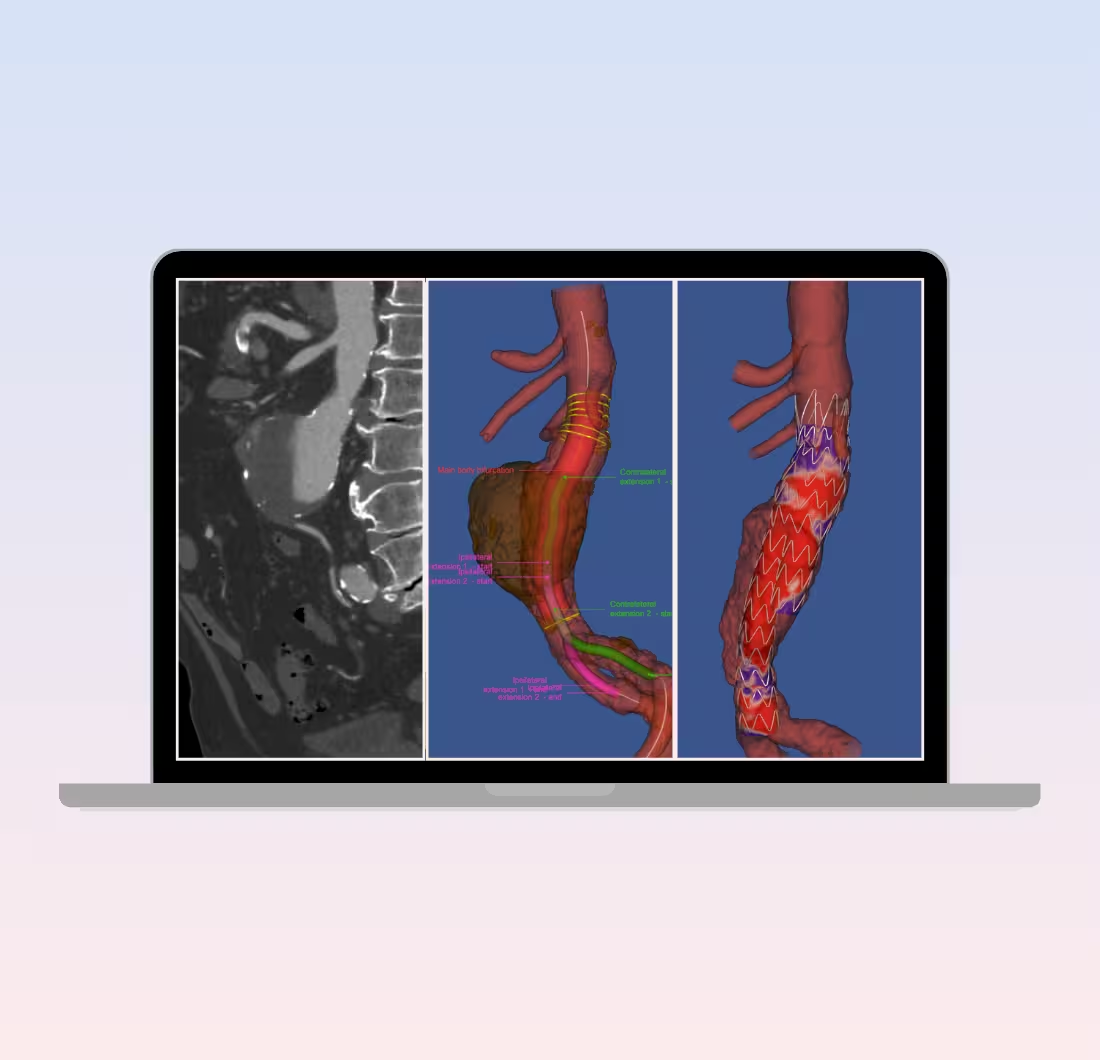
MPR View & Share
A free web-based MPR Viewer. Exchange cases instantly with colleagues and visualise cases directly from your browser— from any device, anywhere.

Enhanced collaboration with colleagues
Share your cases with your peers from the platform

Cross-device accessibilty, anywhere & anytime
Log into your account from any device using your browser.

Preview the best series & Size
Visualize your cases and get ready for your intervention planning.

100% free MPR Viewer (CE- MARKED)
Your free entry point to for AI powered solutions
Core Capabilities
.avif)
MPR View & Share
Collaborate and access your cases anytime, anywhere—completely for free.

iSizing
Get all the measurements in just a single click by uploading the CT Scan

Endoleak Risk Index
Anticipate type 1A endoleak complication with ERI
The expert perspective
First-hand experience from operating rooms to R&D labs — professionals trust PrediSurge to improve outcomes, enhance safety, and accelerate innovation.





.webp)


Clinical Stories
Insights from clinical and R&D practice, directly from our experts
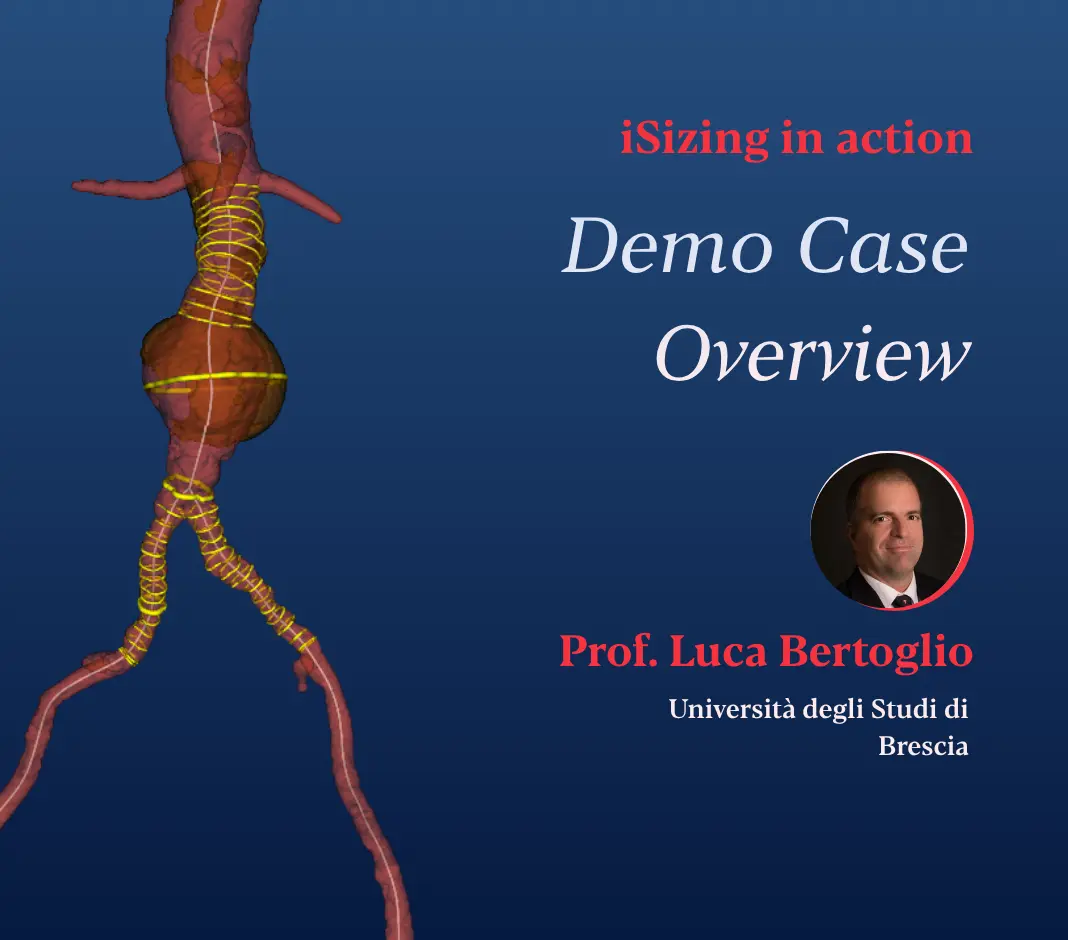

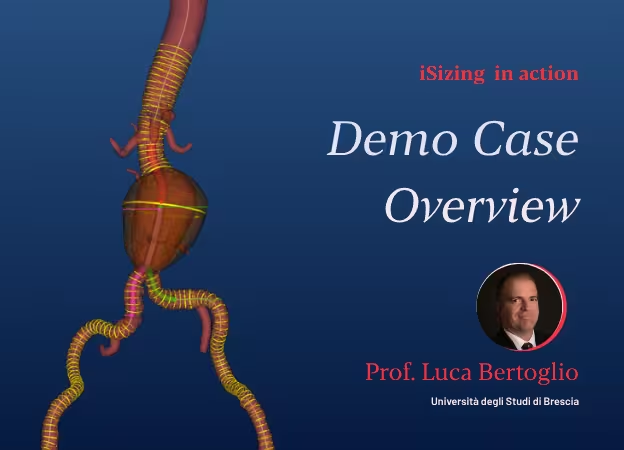
iSizing in action
This demo case shows how Prof. Luca Bertoglio, Associate Professor of Vascular Surgery at the University of Brescia, uses iSizing to plan a EVAR case
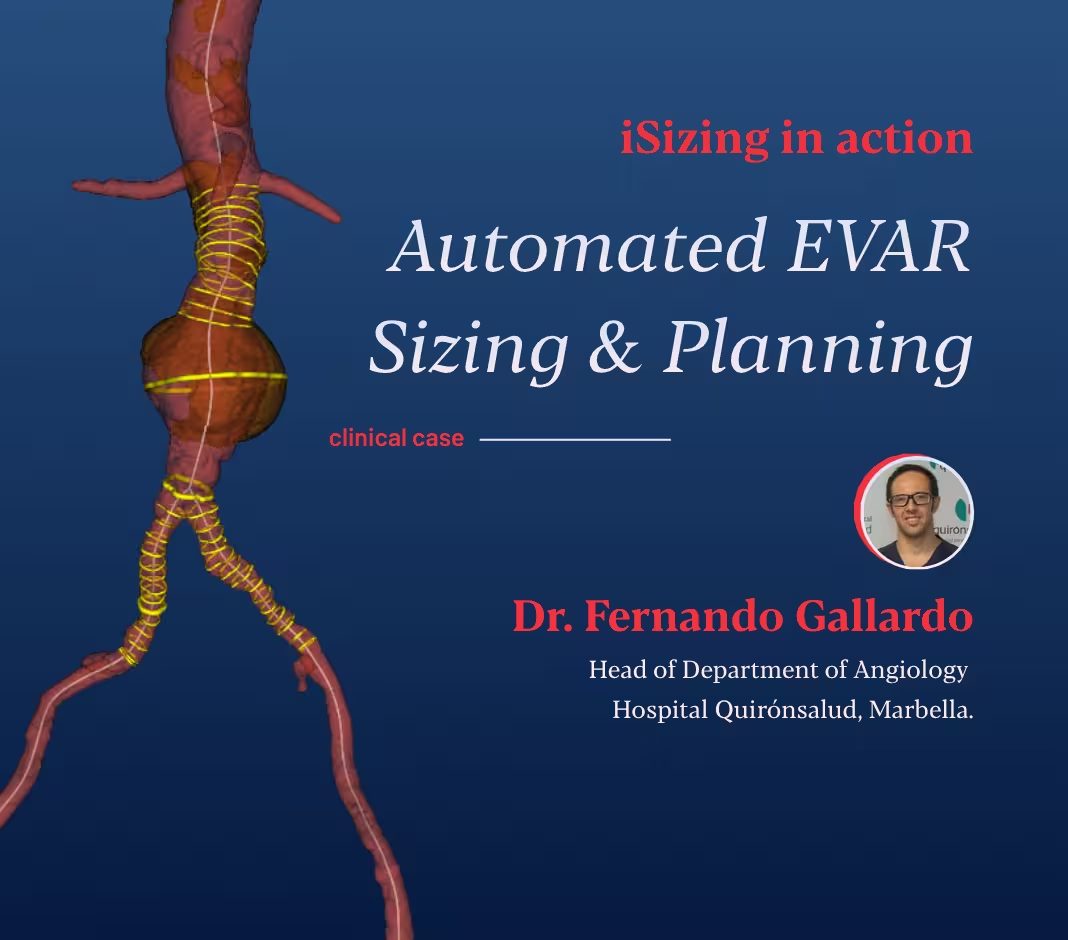
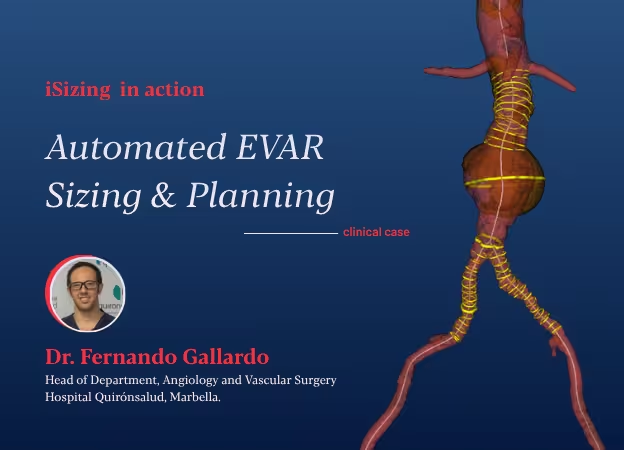
iSizing in action
This case was presented with abdominal pain and local tenderness on palpation, the CT findings were: an abdominal aortic aneurysm that had grown from 4.0 cm to 4.7 cm in just three months.
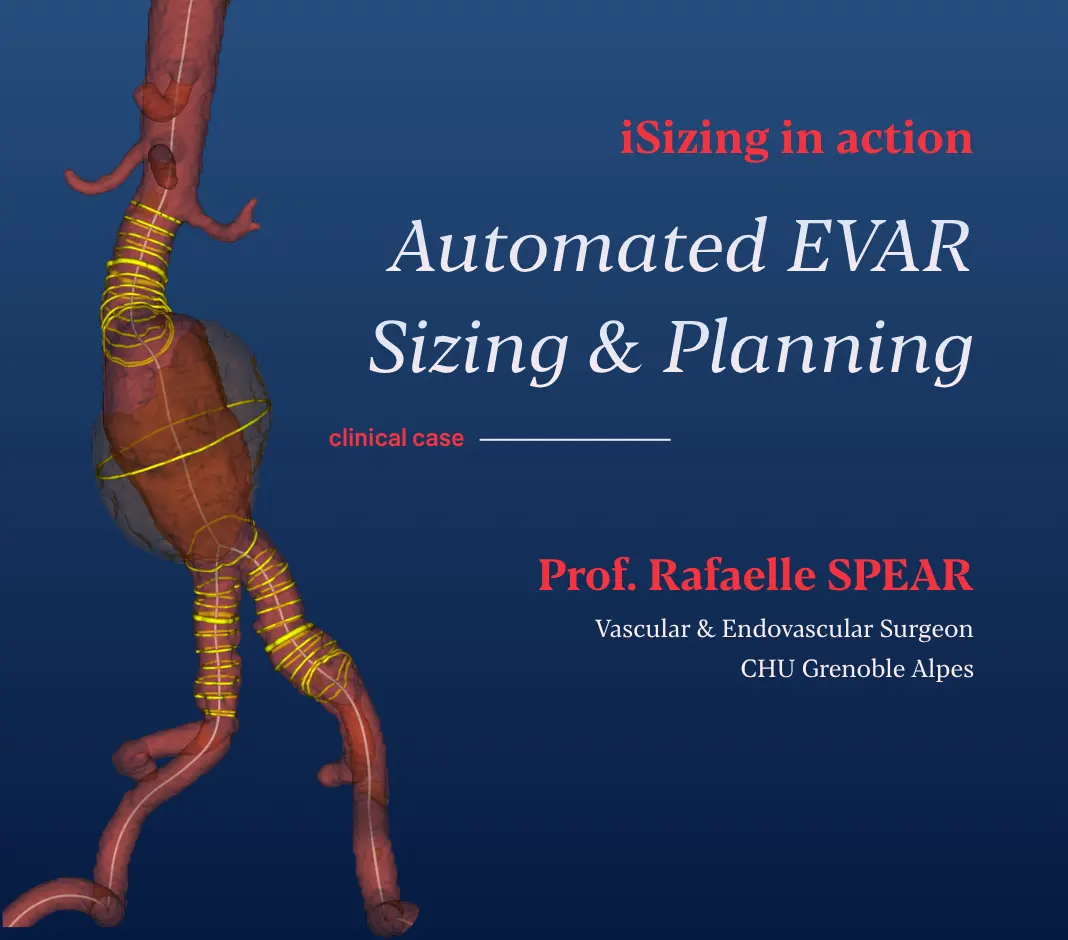

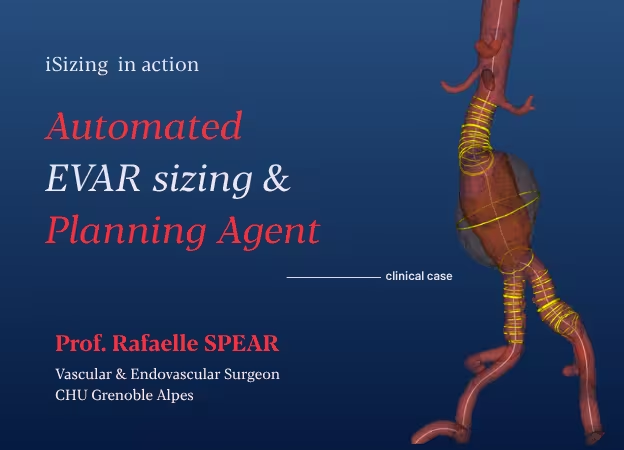
iSizing in action
In this Case of the Month, Prof. Rafaelle Spear takes us through how automated sizing and interactive planning come together inside iSizing on a real abdominal aortic aneurysm case at CHU Grenoble Alpes — from CT to a fully specified endograft configuration.
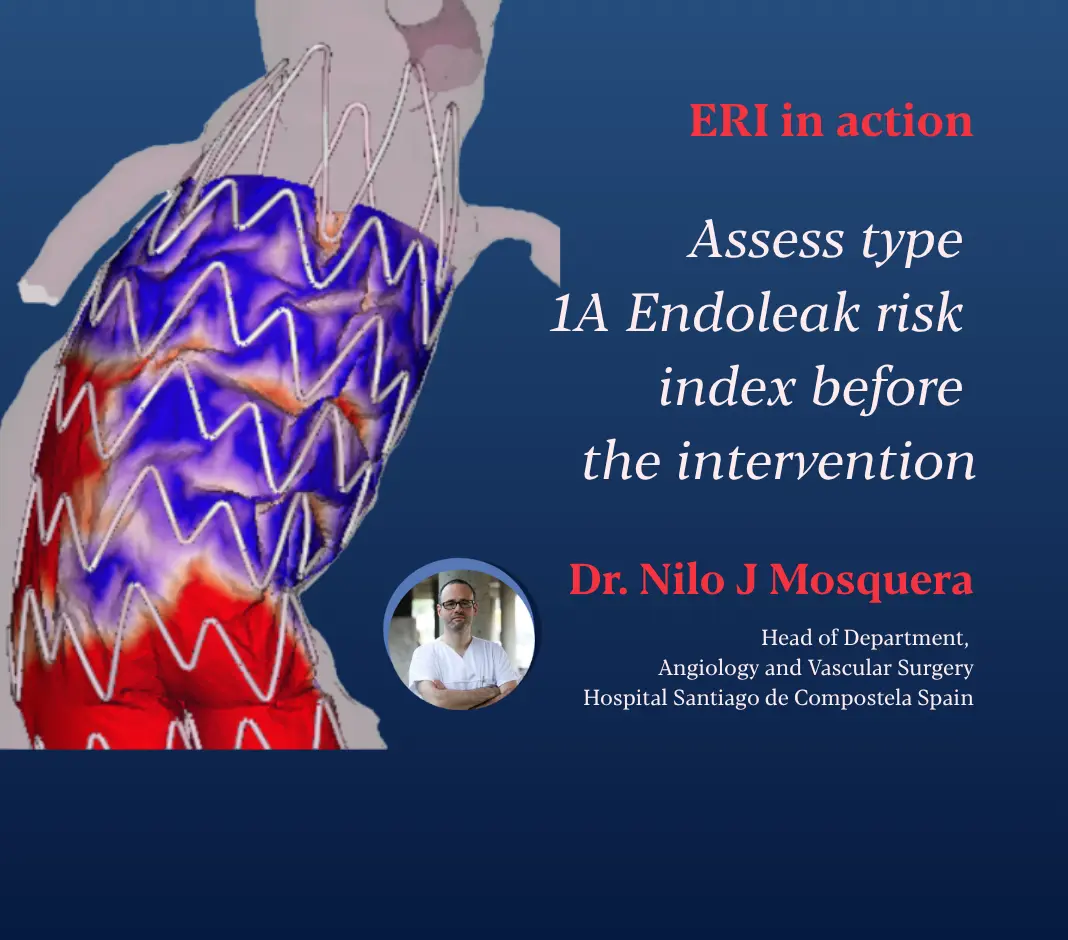
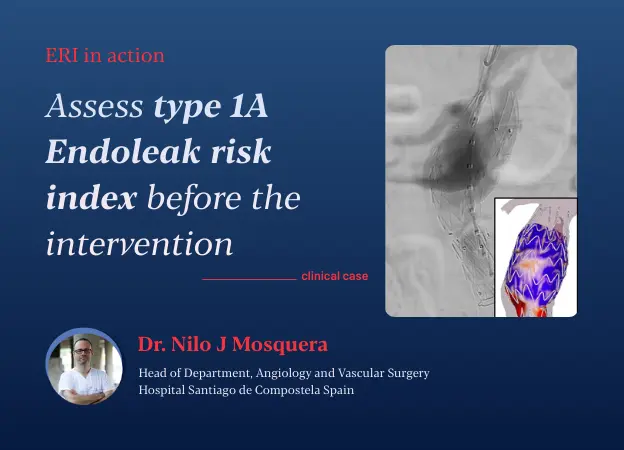
ERI in action
This case, presented by Dr. Nilo J. Mosquera from Hospital Santiago de Compostela, Spain, highlights how a hostile proximal neck can be managed using ERI to leverage AI-powered Digital Twin technology, enhancing clinical decision-making and improving patient outcomes.
Press highlights & Insights
Independent recognition through clinical research and media coverage and PrediSurge insights

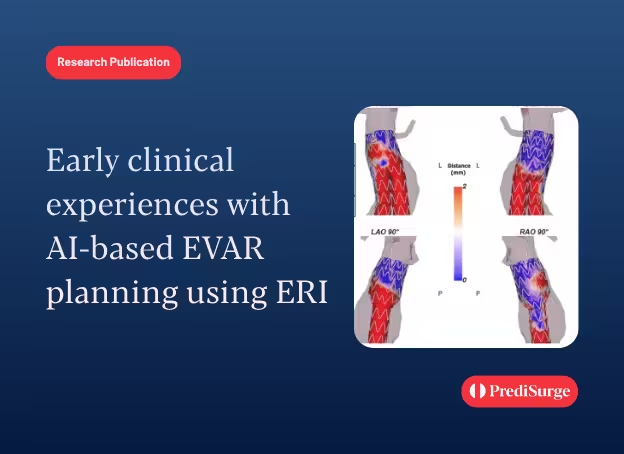

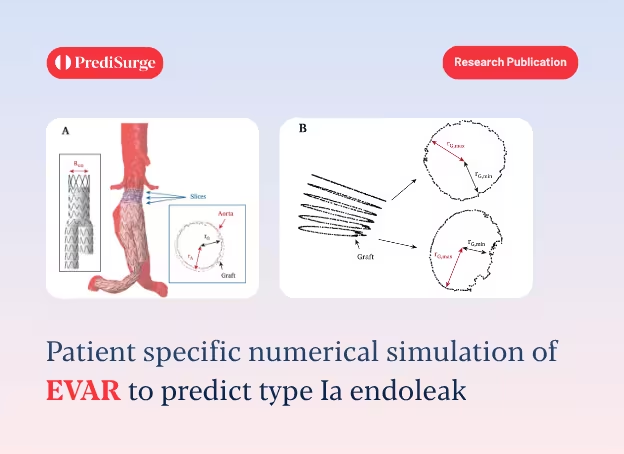
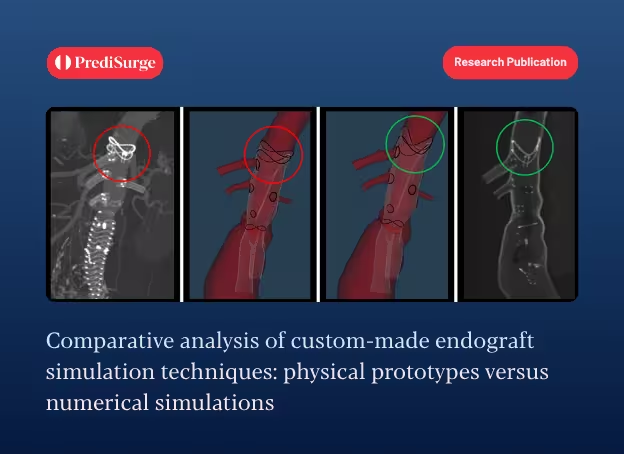












Frequently asked questions
What is iSizing?
iSizing is an AI-powered platform for endovascular planning. It automates vessel measurements and device sizing, helping clinicians save time, reduce manual errors, and achieve consistent accuracy across cases.
How does iSizing work?
Uploading the CT-scan DICOM files, iSizing automatically segments the aortic lumen, thrombus, and calcifications. Based on this segmentation, all measurements required for EVAR planning are computed automatically. These measurements will be available through an interactive interface on our PlanOp platform or as a downloadable structured report.iSizing also includes a device selection panel, allowing you to choose devices while reviewing the sizing measurements to ensure the best fit for your patient.
How is iSizing different from manual or semi-automatic tools?
Unlike traditional sizing software that are time consuming and prone to expert’s variability, iSizing is an AI-powered software for automatic aortic segmentation and EVAR sizing. Allowing physicians to save time in their intervention planning, enhancing consistency across operator and facilitating devices selection.
Does iSizing support all device types and anatomies?
iSizing is CE-marked for infra-renal EVAR planning. The sizing measurements are manufacturer-independent and were developed in collaboration with a panel of expert vascular surgeons. In the device selection panel, only Medtronic and Gore devices are currently available, with more options to be added in the future.
Can clinicians review or adjust measurements?
Physicians have two options to visualise the automated sizing measurements. For the best user experience, we recommend using iSizing on our PlanOp AI platform. This interactive interface allows you to review lengths and diameter measurements for the aortic proximal neck, aneurysm, and iliac arteries, as well as a 3D model of the lumen, thrombus, and calcifications. Results can also be downloaded as a structured report.Measurements cannot be manually edited yet, but additional angle and distance measurements can be performed manually on the MPR View.
How can I access iSizing?
You can access iSizing from anywhere, anytime through any web-browser from devices like Mac, PC.